A schedule the team can work with.
Review appointments, staff availability and resources together rather than coordinating separate calendars.
Clinic is a complete clinic-operations software product: online booking, customer portal, staff scheduling, visits, billing, inventory, website management and business insights in one connected workspace.
Your workspace at a glance
Three ways implemented operational modules support everyday administration. Configuration and clinical review remain separate.
Review appointments, staff availability and resources together rather than coordinating separate calendars.
Connect visit states, billing documents and follow-up once your clinic is configured.
Manage inventory, reports and website content beside your daily administration.
Clinic brings scheduling, customers, teams, billing, inventory and website management together in implemented modules.
Code-level modules and their implementation statuses; not a claim of production certification.
Customer booking, staff calendars, practitioner availability, rescheduling, waitlists and scheduling controls.
BUILT-IN MODULECustomer self-service for appointments, requests, preferences and booking updates, with Swedish and English interfaces.
BUILT-IN MODULEStaff accounts, permission-based workspaces, branch settings and resource-aware schedules.
BUILT-IN MODULEDay-to-day visit workflows, order lines, invoice documents, payment status and refund review tools. Payment providers require activation.
BUILT-IN MODULEStock movements, supplier orders, lots, rooms and equipment scheduling in the operational workspace.
BUILT-IN MODULEEditable clinic website, treatments, pricing, design settings, articles and draft previews before publishing.
BUILT-IN MODULEGift-card purchasing, stored-value tracking and multi-visit package accounting, subject to provider and financial setup.
BUILT-IN MODULEBusiness dashboards, reports, customer workflows, reminders and operational follow-up tools.
BUILT-IN MODULERole controls, optional multi-factor authentication, protected document workflows, data exports and audit support.
BUILT-IN MODULESoftware built. Setup tailored to each clinic. Payment providers, domains, staff access and regulated workflows require configuration and local approvals. Clinic is not a certified patient-record system.
Actual application UI captures from the DINA reference implementation in the Clinic source repository, shown on desktop and mobile. Empty example fields; no patient records.
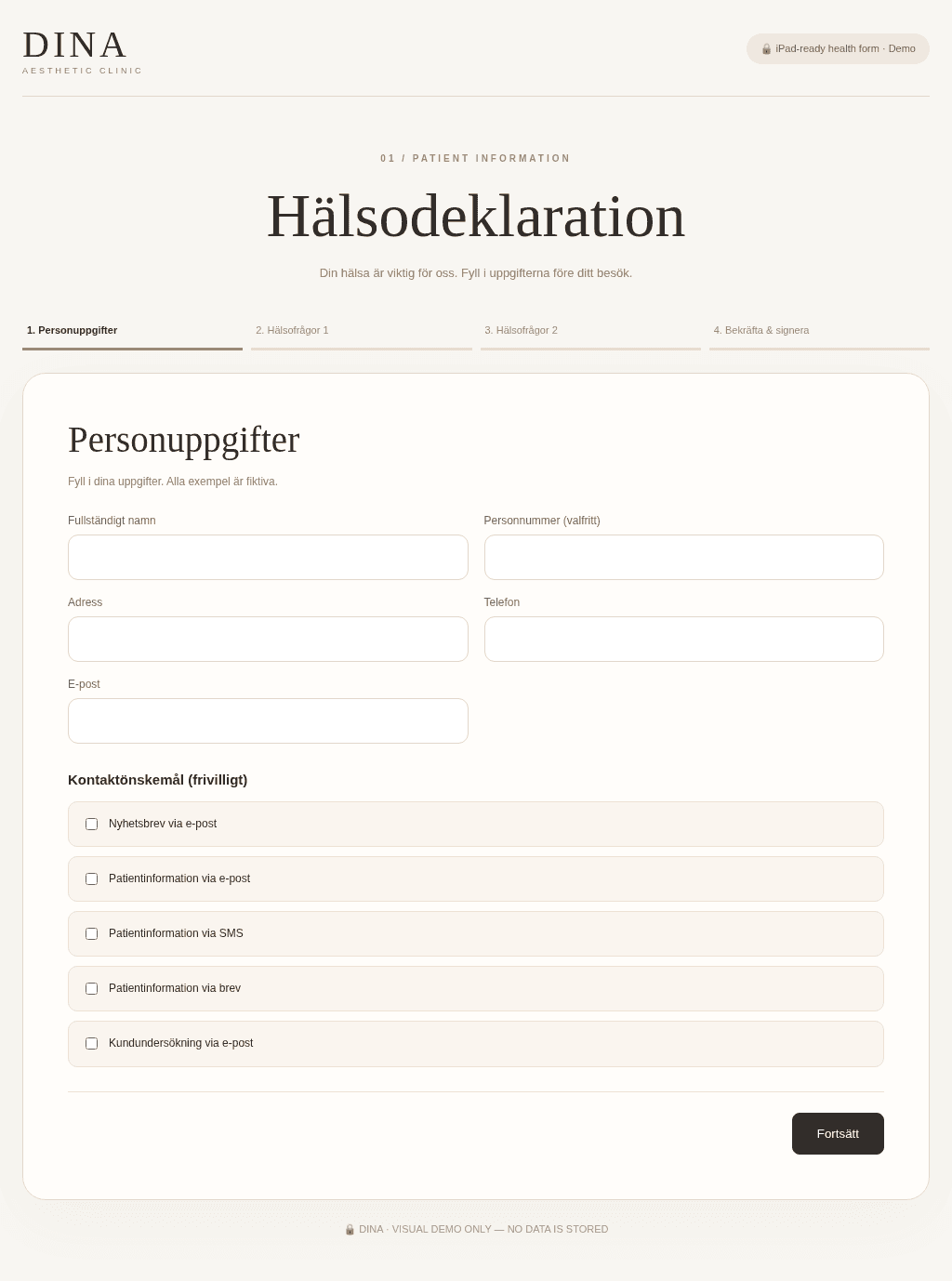
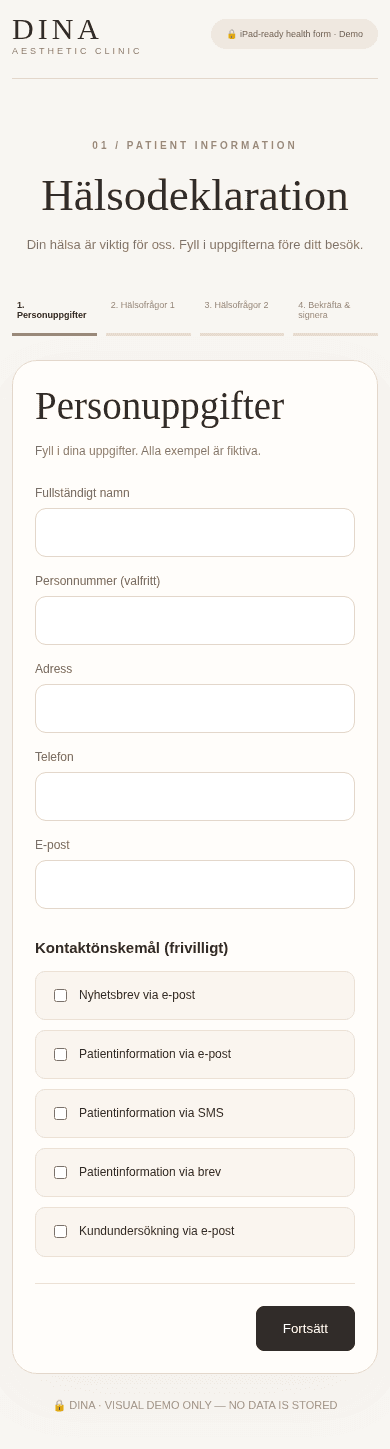
These screenshots show one DINA-branded module. The BIIS interactive dashboard is a separate illustration. Clinical document use requires appropriate legal and security approval.
Daily clinic workflows from the public website to staff operations and financial follow-up.
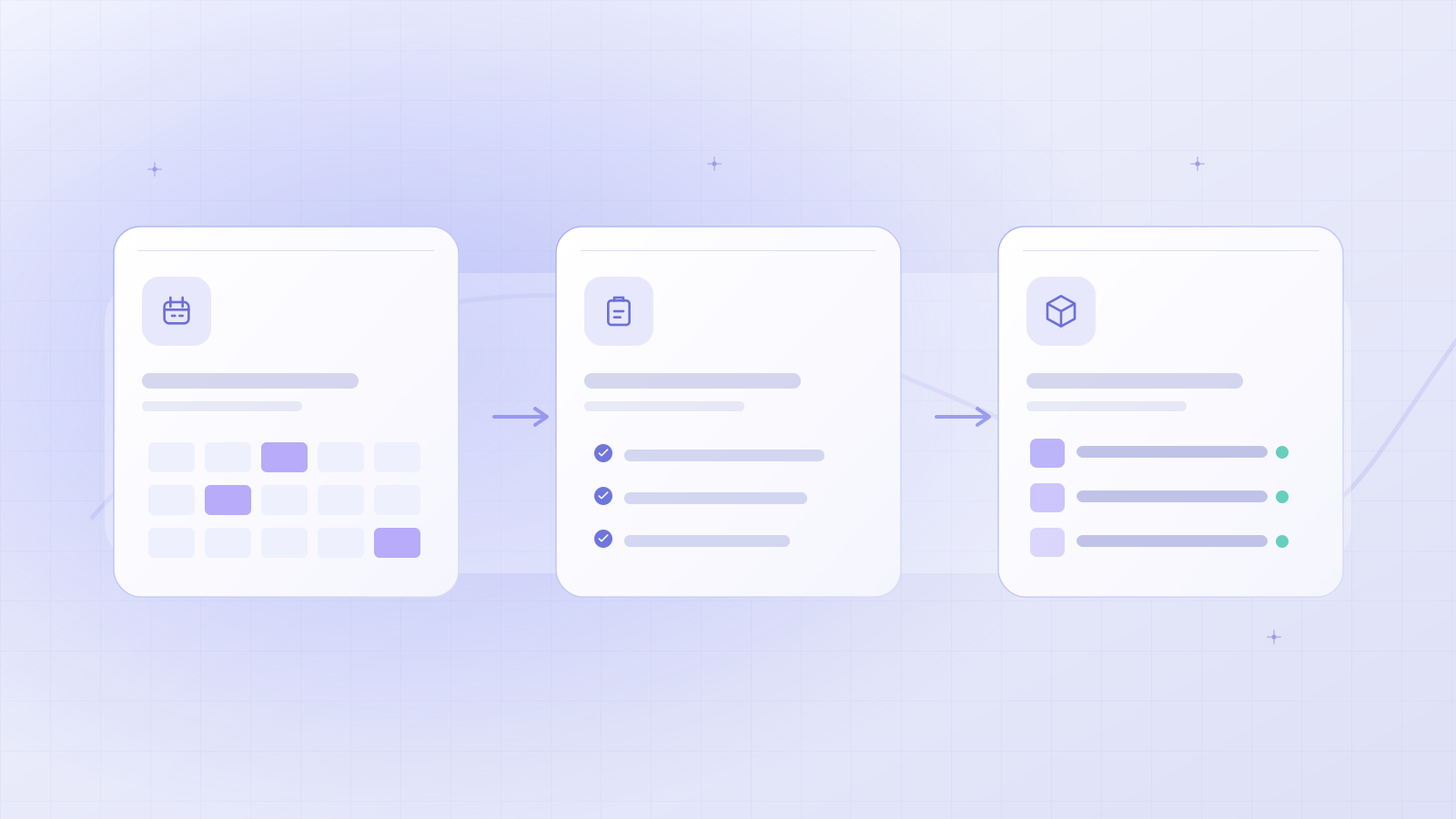
Configure treatments, working hours and your public website, then let customers request or reserve available times.
Coordinate staff, calendars, customer requests, visits, rooms and stock from connected operational views.
Track invoices, payment state, follow-ups and business activity, with provider-specific options activated when approved.
Your workspace at a glance
Select each stage to understand how the implemented modules relate to daily operations. This is a guided explanation, not a live product session.
Review appointments, staff availability and resources together rather than coordinating separate calendars.
Process illustration · no live account or customer dataRequest a guided product demoClinic is demo-led. Configuration and commercial terms depend on clinic requirements. No public plan or certified patient-record system is advertised.
Explore Clinic plansDescribe administrative needs without sharing patient information.
Explore modules, access controls and required providers.
Agree on suitability, configuration and terms before activation.
The included modules and which integrations need activation.
Clinic is a built clinic-operations product with booking, staff tools, customer management, website editing and financial workflows. Activation for a particular clinic still requires deployment, provider configuration, security checks and relevant legal and healthcare review. Request a product walkthrough to plan onboarding.
Yes. The product includes online booking and a customer portal, with appointment availability, scheduling and customer-facing workflows. Exact services, practitioner schedules and payment methods depend on the clinic's configuration.
Yes. The source includes clinic website editing, brand customization, page content, published drafts and white-label capabilities. Branding and domain activation are reviewed per installation.
You can explore a clearly labelled fictional dashboard preview on this website, along with UI captures from the DINA reference implementation. Request a guided demonstration of the running software for real operational workflows.
No. Clinic is not presented as a certified medical records system. Protected document and integration workflows exist in the source, but clinical records, consent and Swedish healthcare requirements require separate approval and appropriate systems.
The application contains payment, invoice, notification and communications workflows. Provider accounts, Stripe LIVE, sender setup and related permissions are enabled and verified separately for each clinic.
Request a product demo and tell us about your location, booking workflow and team. We can review the configured modules and the steps needed for onboarding without collecting patient data.
Discover how Clinic fits your team. Request a guided walkthrough of booking, operations and the modules available for your clinic.
Explore Clinic plans